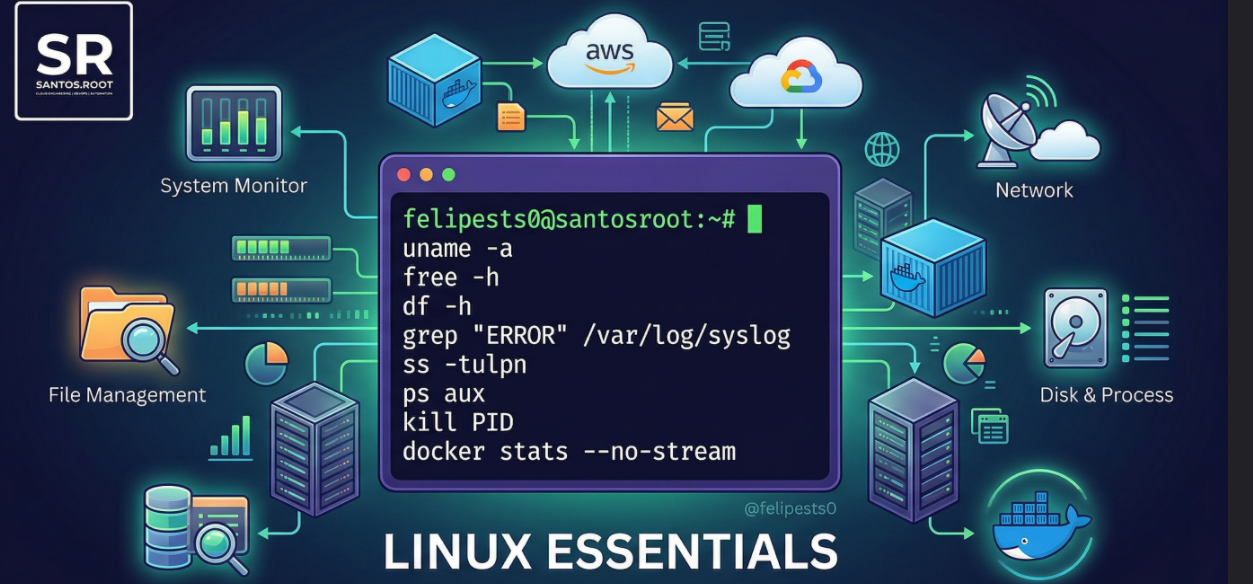
Linux is the backbone of modern infrastructure. Whether you are managing containerized applications, deploying cloud clusters, or maintaining servers, mastering the command line is non-negotiable.
Here is a curated list of essential Linux commands organized by category to help you navigate, monitor, and troubleshoot systems efficiently.
1. System Information & Monitoring
- Check detailed system information (kernel, architecture):
Bash
uname -a- Check system uptime and load average:
Bash
uptime- Check available and used RAM/Swap (crucial for OOM issues):
Bash
free -h- Real-time view of running processes and resource usage:
Bash
top
# Or use 'htop' if installed
2. File & Directory Management
- List directory contents in long format (including hidden files):
Bash
ls -la /var/log/- Search for a specific string inside files recursively:
Bash
grep -r "ERROR" /var/log/syslog- Find files based on name or extension:
Bash
find /etc/ -name "*.conf"3. Network Troubleshooting
- Test connectivity to a host:
Bash
ping google.com- Display network interface addresses:
Bash
ip addr show- Show listening TCP/UDP ports with Process ID (replaces netstat):
Bash
sudo ss -tulpn4. Disk & Process Management
- Display disk space usage for all mounted filesystems:
Bash
df -h- Summarize disk usage of a specific directory:
Bash
du -sh .- List all running processes (pipe with grep to find specifics):
Bash
ps aux | grep nginx- Terminate a process by its PID:
Bash
kill 12345. Docker Bonus
If you are running containerized environments, checking resource consumption per container is mandatory:
- Snapshot of container resources (CPU, RAM, Network):
Bash
docker stats --no-streamConclusion
Mastering these commands takes practice, but they are the bedrock of efficient system administration. Bookmark this list for quick reference.